
Integrations
Connect Jam with all your favourite platforms. Streamline your workflow with seamless integrations across storage, social media, and e-commerce platforms.
Schedule and publish content directly to your Facebook pages and profiles
X
Share your content on X with automated scheduling and engagement tracking
Post to Instagram with smart captioning and optimal timing features including tagging and collaborations
TikTok
Upload and schedule your TikTok content
Share professional content to LinkedIn company pages with auto-captioning and scheduling
Share your content to Pinterest business pages and boards
YouTube
Upload videos with automated thumbnails, descriptions, and scheduling
Google Business Profile
Publish posts and updates directly to your Google Business Profile listing

Claude
Connect Claude to your Jam workspace via the Jam MCP server

ChatGPT
Connect ChatGPT to your Jam workspace via the Jam MCP server

Circolo
Set up Jam uploads and shared collections for your events on Circolo
Google Drive
Sync your media files directly from Google Drive to Jam for seamless content management

Box
Connect your Box storage to automatically import and organize your media assets

Iconik
Sync assets between Jam and your Iconik media management workspace
Dropbox
Import media from Dropbox and keep your content synchronized across platforms

SharePoint
Connect SharePoint document libraries to import and organize your media in Jam

OneDrive
Connect OneDrive folders to import and organise your media in Jam
Shopify
Two-way sync of product media and automated product photo management

Canva
Import designs directly from Canva and export your Jam media to Canva for editing
Unsplash
Access millions of free high-quality stock photos directly within Jam
Slack
Get notifications and collaborate with your team through Slack integration
Platform Migrations
Already storing media somewhere else? We migrate libraries from these platforms into Jam. Custom migrations from any other DAM or storage provider are available on request.
Amazon S3
Migrate media from S3 buckets into Jam with folder structure and metadata preserved

Google Cloud Storage
Bring your Google Cloud Storage buckets across to Jam, ready to search, share and publish
Microsoft Azure Blob Storage
Move media out of Azure Blob containers and into organised Jam collections
Cloudflare R2
Import your R2 buckets into Jam with files, folders and metadata intact

Backblaze B2
Migrate B2 buckets into Jam so your archive becomes a working media library

Wasabi
Bring Wasabi hot cloud storage into Jam with your files and folders intact
DigitalOcean Spaces
Move media from Spaces buckets into Jam for search, sharing and scheduling

PhotoShelter
Migrate galleries, metadata and permissions from PhotoShelter into Jam

Cloudinary
Move your Cloudinary media library, tags and folders into Jam

Bynder
Migrate assets, metaproperties and collections from Bynder into Jam

Canto
Bring your Canto library, albums and custom fields across to Jam
Flickr
Migrate your Flickr photostream, albums and titles into Jam
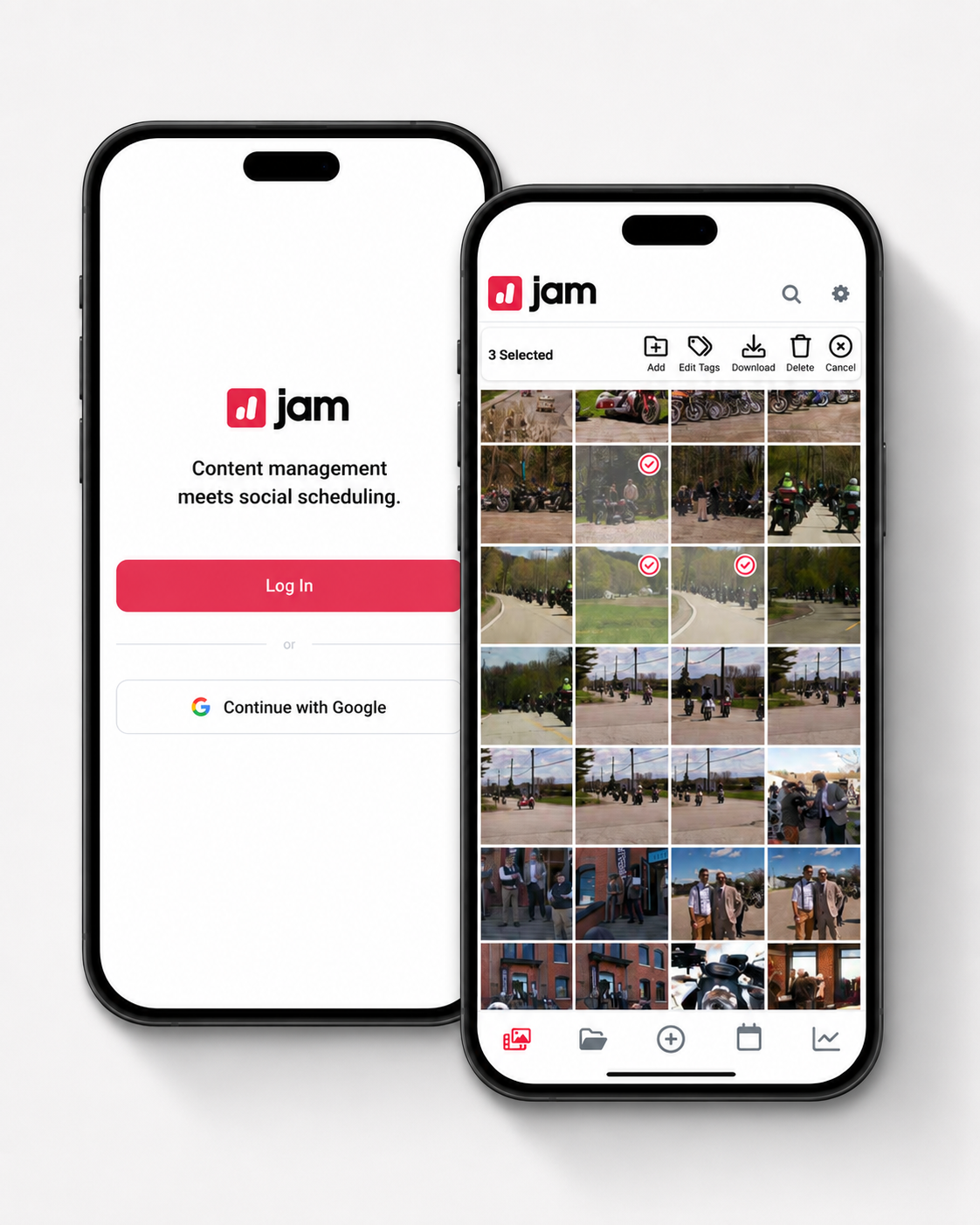
Our Companion Apps
Collect and manage your content on the go with our mobile apps for iOS and Android
Instant Background Upload
Download to your device
Sort and manage your content
View social media analytics
Posting calendar and post preview
Integrations and migrations, answered
Which platforms does Jam integrate with?
Jam connects to Google Drive, Dropbox, SharePoint, OneDrive, Iconik and Box for storage, Canva, Unsplash, Shopify and Slack for tools, and Claude and ChatGPT through the Jam MCP server. It publishes natively to Instagram, Facebook, TikTok, LinkedIn, X, YouTube, Pinterest and Google Business Profile, and partners with Circolo for events.
Can Jam migrate my media library from another DAM or cloud storage?
Yes. The Jam team migrates existing libraries from Amazon S3, Google Cloud Storage, Microsoft Azure Blob Storage, Cloudflare R2, Backblaze B2, Wasabi, DigitalOcean Spaces, PhotoShelter, Cloudinary, Bynder, Canto and Flickr, keeping folders and metadata intact. Custom migrations from any other DAM or storage provider are available on request.
How do I get all my content into Jam?
Upload from the web or the iOS and Android app, sync from cloud drives like Google Drive, Dropbox, SharePoint and OneDrive, or collect content directly from customers, fans and photographers using Jam Forms. Everything lands in one searchable library and is auto-tagged by AI on the way in.
Ready to Jam?
Collect UGC, organise media, manage approvals and publish from one simple workspace — powered by Jam AI to help you find, tag and rediscover your best content faster.