
Social Scheduling
Plan once. Post everywhere.
Write a post once, pick your platforms and take the best time. Jam publishes your posts, Reels, Stories and carousels on schedule.
Schedule toInstagramFacebookTikTokLinkedInXYouTubePinterest
Create Post
Start New PostPublish Post
Recommended posting time · Tue 18 Nov, 9:00 AM
Schedule PostPost Preview
liveforsundayss liveforsundayss
Your week, sorted by Monday.
Batch it once. Jam posts it on time, every time.
Posts, carousels, Reels, Stories
Posts, Reels, Stories
TikTok
Videos, photo carousels
Pages, profiles, PDFs
X
Posts and threads
YouTube
Videos and Shorts
Image, video, carousel pins
WhatsAppSoon
Scheduling on its way
Everything a post needs.
From the first draft to the first comment.
Best time to post
Jam reads your results and picks the slot.
Next best time: Thu 6:00pm
One caption, or one each
Formal for LinkedIn. Fun for TikTok.
Captions in your voice
Jam writes from the photo, in each brand's voice.
First comment
Hashtags and links, posted right after.
liveforsundayss Shop it at jam.link/riviera #liveforsundayss
Instagram, Facebook and LinkedIn
Collabs, tags and polls
Everything Instagram lets you add.
Links that count
UTM tags added for you. Short links on jam.link.
?utm_source=instagram&utm_campaign=summer
Find fresh content
Filter your library to photos you have not posted or scheduled yet, right from the composer.

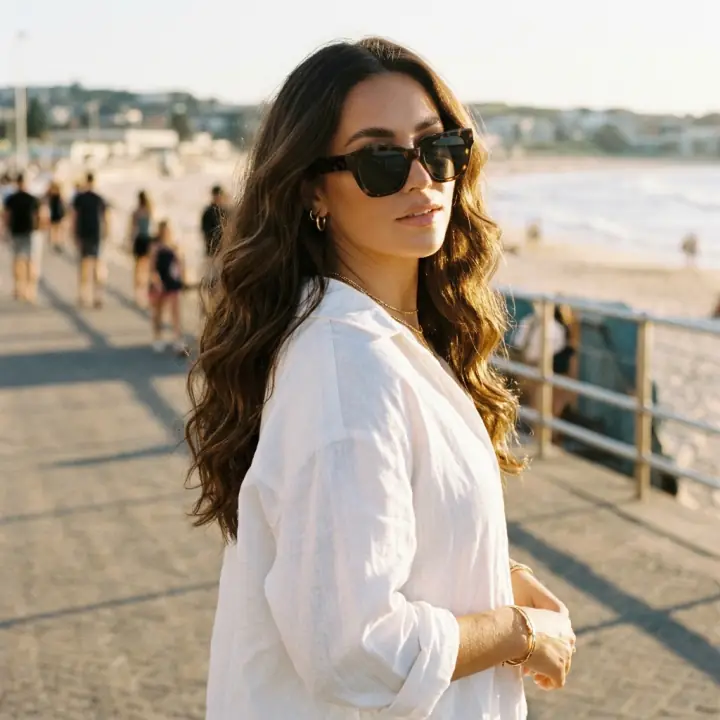 Posted
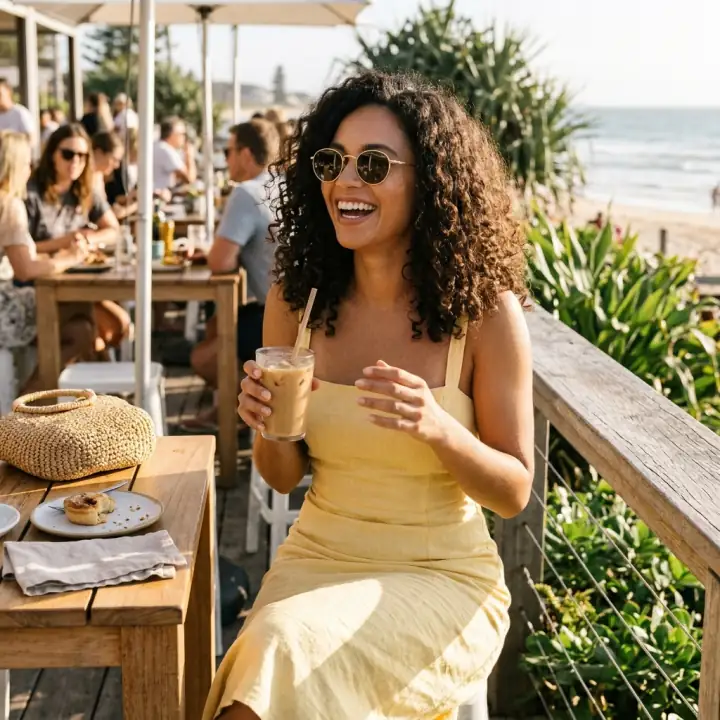
 Scheduled

 Posted

 Posted
Swipe for more →
Questions, answered.
How does Jam's social scheduling work?
Write a post once, pick your accounts and choose a time. Jam previews it for each platform and publishes it on time. Your team can send it for approval first, and you can see every post on one calendar.
Which platforms can I schedule to?
Instagram, Facebook, TikTok, LinkedIn (pages and personal profiles), X, YouTube and Pinterest. That includes Reels, Stories, carousels, Shorts, X threads, LinkedIn PDF documents and TikTok photo carousels, where each platform allows them.
When is the best time to post?
It depends on your audience, so Jam works it out from your own results. Pick Next Best Time when you schedule and Jam suggests a slot. If an account has no history yet, it uses your workspace's default posting times.
Can my clients approve posts?
Yes. Share your calendar as a link, with an optional password, and turn on external approvals. Clients approve or reject posts without a Jam account. Inside your team, add reviewers to any post, or set default reviewers for each group of accounts.
Brands we Jam with










Grid planner
Make the grid look good.
See your next posts in front of your live grid. Drag until it feels right.
- Scheduled posts in front of live ones
- Drag to reorder
- Reel covers from a frame, upload or your library
liveforsundayss
Live for Sundays
Sunglasses for long weekends. Bondi, Sydney.
ScheduledScheduledScheduled
Carousels
Carousels, as your followers see them.
Up to 10 slides in one post. Or split one wide photo into a seamless carousel.
- Carousels on Instagram, Facebook, TikTok and Pinterest
- Drag slides into order
- Split one photo across several slides
Posts
liveforsundayss1/41,284 likes
liveforsundayss Four frames for four kinds of Sunday. Which one are you?
Swipe it, or use the arrows
Stories
Schedule up to 10 stories at once.
Add your photos and videos, put them in order and pick a time. Jam posts the whole set, one slide after another.
- Instagram and Facebook Stories
- Up to 10 slides in one set
- Retention for every slide in your calendar
liveforsundayss1/10
MCP
Or just ask your AI.
Connect Jam to your AI assistant over MCP. Ask what to post, and it finds the content, picks the time and schedules it.
- Finds photos you have not posted yet
- Picks your best time
- Drafts land in your calendar, approvals included
Works with
 Claude
 ChatGPT
 Gemini
 GrokClaude
 Jam connected
What should we post this week?
You have 14 photos that have never been posted. The poolside shot is your strongest, and Thursday at 6 PM is your best slot. Want me to schedule it?
Yes. Instagram and TikTok, and write the caption.
Done. It goes out Thursday at 6 PM on both.
POV: you found the perfect frames
Instagram, TikTok · Thu 6:00 PM
More questions
Can I schedule Instagram Reels?
Yes. Upload the video, choose Reels and pick a time. Pick a cover from a frame of the video, an upload or your library, and preview it in your grid first. Trial Reels are supported too.
Can I schedule TikTok posts?
Yes. Schedule TikTok videos and TikTok photo carousels from the same composer as your other platforms.
Can I schedule YouTube Shorts and videos?
Yes. Schedule YouTube videos, and turn on Shorts mode for a Short. YouTube usually gets your original video file.
Can I schedule LinkedIn posts from a personal profile?
Yes. Jam schedules to LinkedIn company pages and personal profiles: text, images, videos and PDF documents.
Can I schedule Pinterest pins?
Yes. Schedule image pins, video pins and carousel pins.
Which Instagram accounts can I schedule to?
Business, creator and personal Instagram accounts. Some extras, like product tags and polls, need a business or creator account.
Is there a free trial?
Yes. Every new workspace starts with a 14-day free trial of the full platform, scheduling included.
Can I write a different caption for each platform?
Yes. Turn on per-platform captions and you get one caption box for each network, so LinkedIn can be formal and TikTok can be fun. Or keep one caption for everything.
Can I schedule Instagram and Facebook Stories?
Yes. Add up to 10 photos or videos and Jam posts them as a story set, in order.
Does Jam post a first comment?
Yes, on Instagram, Facebook and LinkedIn. On X, add replies as a thread instead.
Can I group posts into campaigns?
Yes. Tag posts with a campaign, like Summer drop, and see them together. Save the words you write again and again as snippets and add them to any caption in one click.
Can I plan my Instagram grid?
Yes. The grid planner shows your scheduled posts in front of your live grid. Drag them around until the grid looks right.
Does Jam write captions for me?
Yes. Jam writes a caption from the photo or video, in the voice you set for each group of accounts. Ask it to rewrite, add hashtags or translate it into another language.
Can I tag collaborators, people and products on Instagram?
Yes. Add up to 3 collaborators, tag people, add a location, tag products from your shop and add a poll, on business and creator accounts.
Can I track clicks from my posts?
Yes. Save UTM templates once and Jam adds them to the links in your captions. Shorten links with jam.link to keep captions tidy and count every click.
Can I schedule from my phone?
Yes. The Jam app for iPhone and Android lets you create, schedule and approve posts, and check the calendar on the go.
Can I schedule posts with ChatGPT or Claude?
Yes. Connect Jam to your AI assistant over MCP. Ask it to draft a post, find the best time or schedule it, and it does the work in Jam.
What happens if a post fails to publish?
Jam tells you straight away, by push notification and in the app, and shows the reason on the post so you can fix it.
What is the difference between Jam and other social media management tools?
Most tools start at the calendar. Jam starts at your content: your media library and UGC collection sit underneath the scheduler, so the photos you post are already organised, searchable and cleared for use. The inbox and analytics live in the same app.
Drag to Reschedule
These are the cards from the Jam calendar. Drag one to another day, and every platform it posts to moves with it.
Mon 17
8:00 AM12.4K6.1%Road trip, Riviera on@liveforsundayssTue 18
9:00 AMThe Riviera is back@liveforsundayss6:00 PMPOV: pool day in the Cat-Eye@liveforsundayssWed 19
Thu 20
12:30 PMInside our Bondi store@liveforsundayssFri 21
5:00 PMRose frames, back in stock@liveforsundayssThere's more in the calendar.
Shareable calendars
Send clients a link to your calendar. Add a password and your logo, and let them approve posts.
Automations on scheduled posts
Add a comment auto-reply while you schedule. When someone comments the keyword, Jam DMs them.
One upload, every size
The right size for every platform.
Upload your original photo or video once. Jam makes the file each platform wants when it posts, so you never go back to your editor to export another size.
- Photos and videos sized and encoded for each platform when they post
- YouTube and TikTok usually get your original video file
- Wrong shape? Crop to 4:5, 1:1 or 9:16 right in the composer
- Your original stays untouched in your library
riviera-launch.HEIC
Your original photo, uploaded once
4:5 9:16 1:1 16:9Photo ready for Instagram feed
Sizes and formats, answered.
Do I need to resize photos and videos for each platform?
No. Upload your original once. Jam makes the file each platform wants when it posts, with the right size and format. If a photo is the wrong shape for a post type, the composer suggests a crop, like 4:5 or 1:1, and you crop it right there.
What size should Instagram posts be?
Feed posts work best at 4:5 portrait or 1:1 square. Stories and Reels are 9:16. Pick the post type in Jam and it tells you if a photo needs a crop.
Does Jam lower the quality of my videos?
Jam encodes each video from your original file for the platform it is going to. YouTube and TikTok usually get your original file as it is. Your original always stays in your library.
Can I post iPhone photos and videos?
Yes. Upload HEIC photos and iPhone videos as they are. Jam converts them to the format each platform accepts, like JPEG for Instagram.
Default tags
Tag your partners in one click.
Save the accounts you always tag, placed where they belong on the photo. Apply the whole set to any Instagram post.
- Named sets, like Sponsors or Event partners
- Tags land in their saved spots
- Saved in each account’s defaults
Tag people
Tap the photo to tag someone
Sponsors applied · 3 tags
Approvals
Clients say yes from a link.
Share the calendar. They approve or ask for changes, with no login.
- No Jam account needed
- Password and your branding on the link
- Default reviewers for each brand
Live for Sundays · Content calendar
2 to reviewTue 9:00am · Instagram, TikTok
The Riviera is back. Tortoiseshell, black and rose.
Ava approved Monday's post · 2m agoReady to Jam?
Collect UGC, organise media, manage approvals and publish from one simple workspace, powered by Jam AI to help you find, tag and rediscover your best content faster.