
Need a client or partner to connect their own account? Create a connection link they can open to connect their account into your group — no Jam account needed on their end.
Create a connection link
Go to Socials → Manage → Accounts and click Add Social Account.
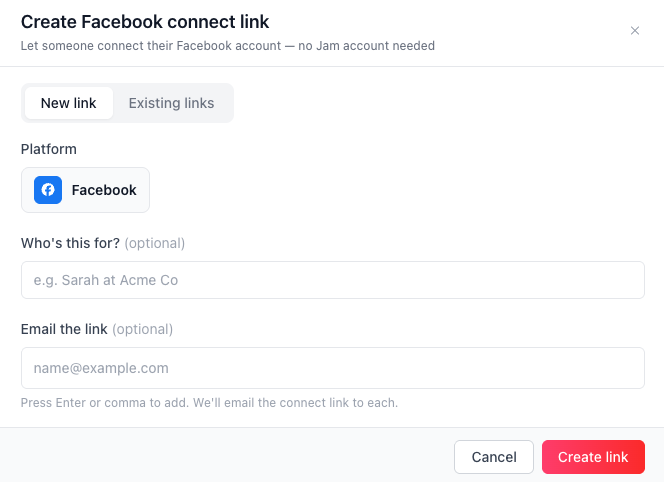
Select the platform the link is for (e.g. Facebook or Instagram).
Click Create connection link.
Optionally add a label (who it's for) and one or more email addresses to send it to.
Click Create link.
Copy the link now — for security it's shown only once — and send it to your recipient.
What your recipient sees
They open the link, log in to their own social account and authorise the connection. Once done, the account appears in your group automatically.
Manage existing links
In the same window, open Existing links to see each link's status — Pending, Completed, Revoked or Expired — and revoke any pending link you no longer need.
Tip — Add the recipient's email when you create the link and Jam will email it to them for you.