
Connect your Facebook Page to Jam so you can schedule and publish posts straight to Facebook — and pull your post analytics back into Jam.
Before you start
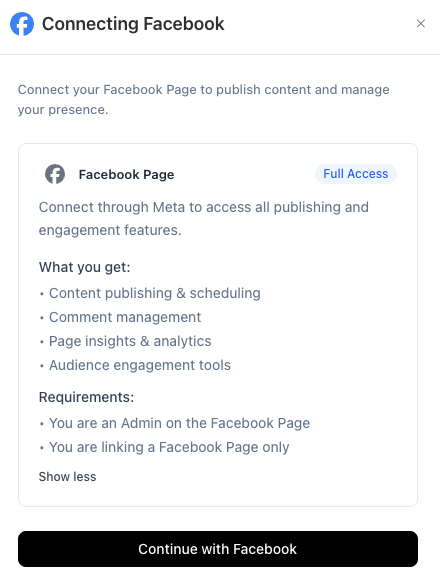
You'll need to be an admin of the Facebook Page you want to connect. Jam can only manage Pages you have admin access to.
Connect your Page
In the left sidebar, go to Socials → Manage → Accounts.
Click Add Social Account.
In the Add Social Account window, choose Facebook, then click Continue.
Log in to Facebook and accept the permissions Jam requests.
Select the Facebook Page(s) you want to connect.
Click Finish — your Page now appears under your connected accounts.
If your Page doesn't appear
Confirm you're an admin of the Page in Facebook's Business settings.
During login, check you granted Jam access to that specific Page.
Still stuck? Disconnect and reconnect, accepting all requested permissions.