Connect an Instagram Business or Creator account to Jam to schedule and publish posts, Reels and Stories.
Before you start
Your Instagram account must be a Business or Creator account (not Personal).
It should be linked to a Facebook Page you admin — Instagram publishing runs through Facebook.
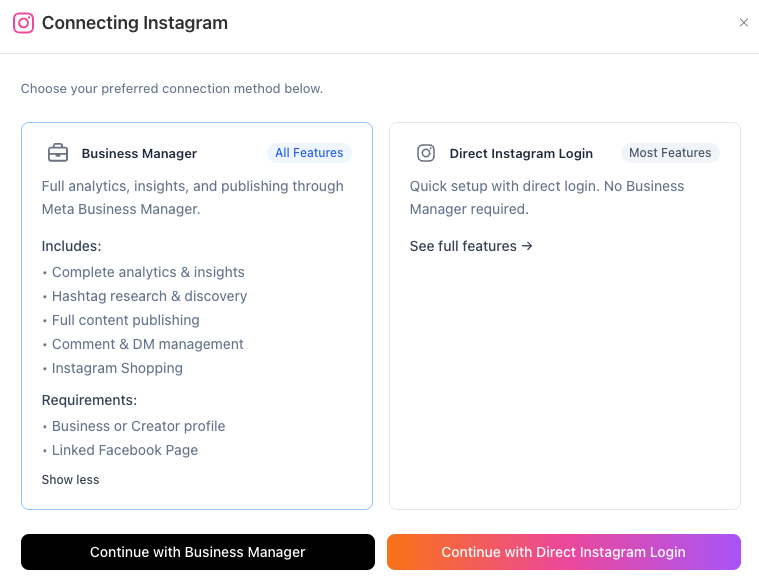
Decide which connection method to use:
Business Manager (Access to all features)
Direct Instagram Login (Quick Setup with direct login but limited features)
Connect your account
Go to Socials → Manage → Accounts and click Add Social Account.
Choose Instagram, then click Continue.
Log in and accept the permissions Jam requests.
Select your Instagram account and click Finish.