
Connect a LinkedIn Company Page to schedule and publish posts.
Before you start
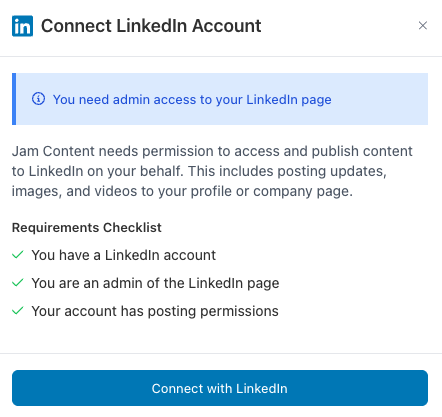
You'll need to be an admin of the LinkedIn Company Page you want to connect.
Connect your page
Go to Socials → Manage → Accounts and click Add Social Account.
Choose LinkedIn, then click Continue.
Log in and accept the permissions Jam requests.
Select your Company Page and click Finish.
Tip — Only Company Pages can be connected for scheduling, not personal profiles.