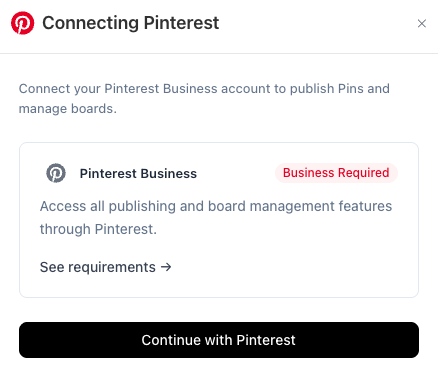
Connect a Pinterest Business account to schedule and publish Pins.
Connect your account
Go to Socials → Accounts and click Add Social Account.
Choose Pinterest, then click Continue.
Log in and accept the permissions Jam requests.
Select your board options and click Finish.