
Connect your Shopify store so your products are available inside Jam.
Before you start
You'll need access to the Shopify store you want to connect.
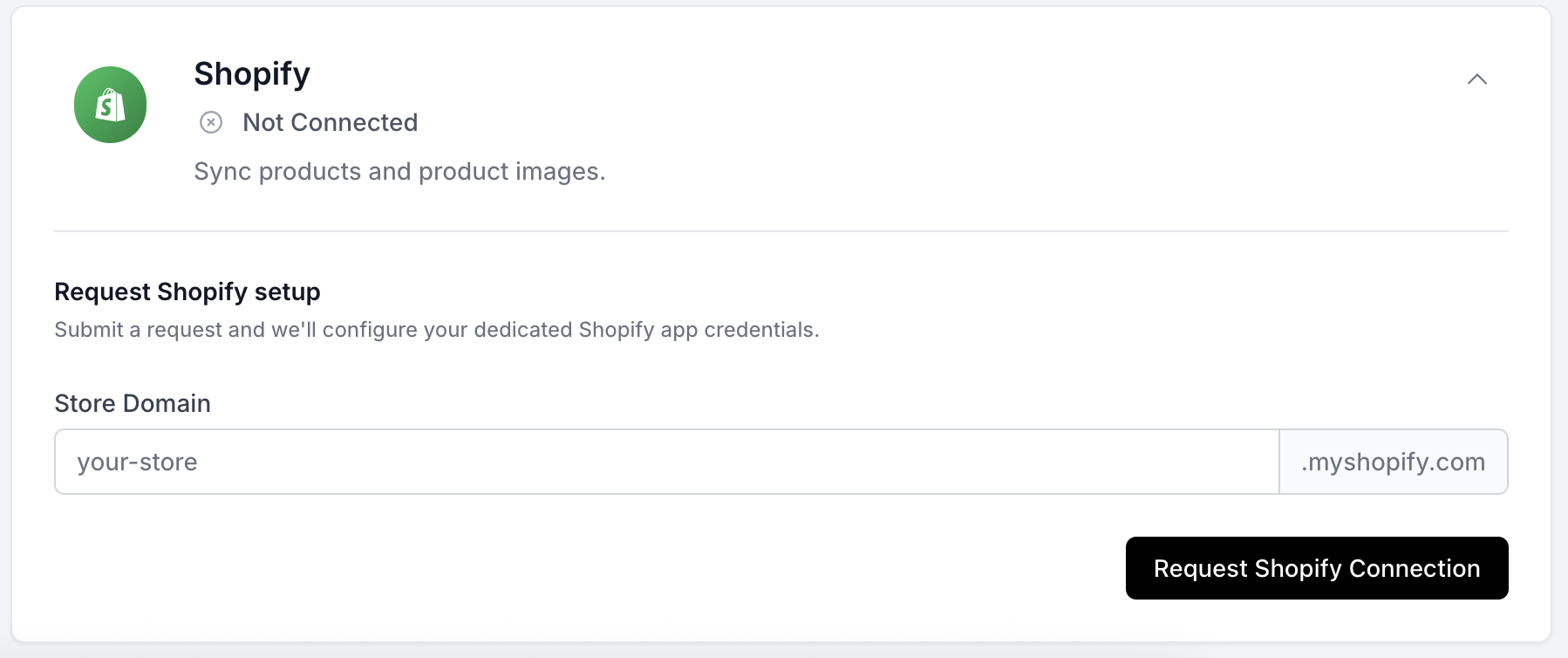
Go to Settings → Integrations.
Find Shopify and click Connect.
Enter your store URL and sign in to Shopify.
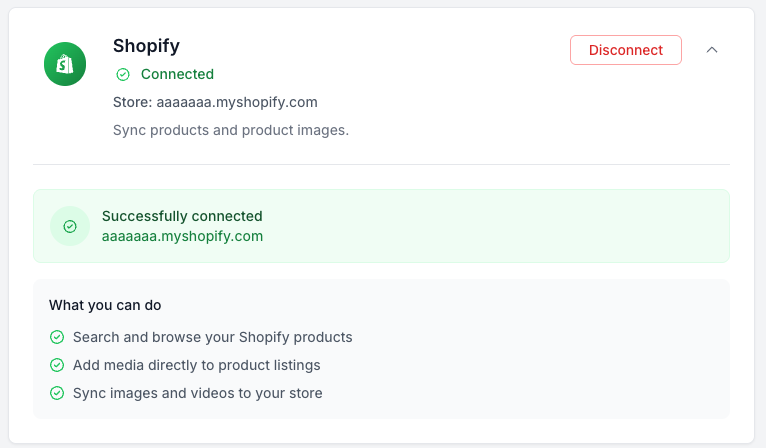
Approve the connection — your products start syncing into Jam.
Approve app updates
Sometimes Jam needs new permissions in your store. When it does, open the Jam app in your Shopify admin and approve the update. The order and discount steps in inbox automations need it, and show Approve app update until you do. See Shopify steps in inbox automations.
Tip — Only admins can connect a store.