
General collections are hand-picked — you choose exactly what goes in. General is the default, so you just give it a name.
Go to Collections and click Create Collection.
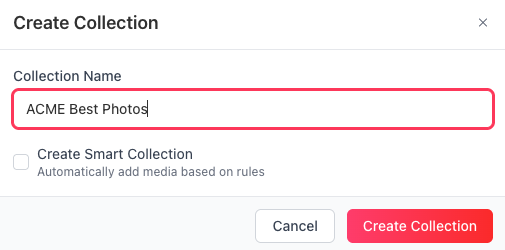
Enter a Collection Name.
Leave Create Smart Collection unticked.
Click Create Collection, then add media — see Add media to a collection.
Tip — Use General collections for finished, ready-to-post sets.