
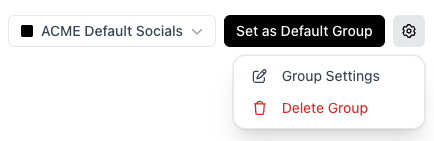
Each Social Group has its own settings — its look, which accounts are pre-selected, and the brand voice used for captions. Open a group's settings from the gear icon next to the group selector.
What you can set
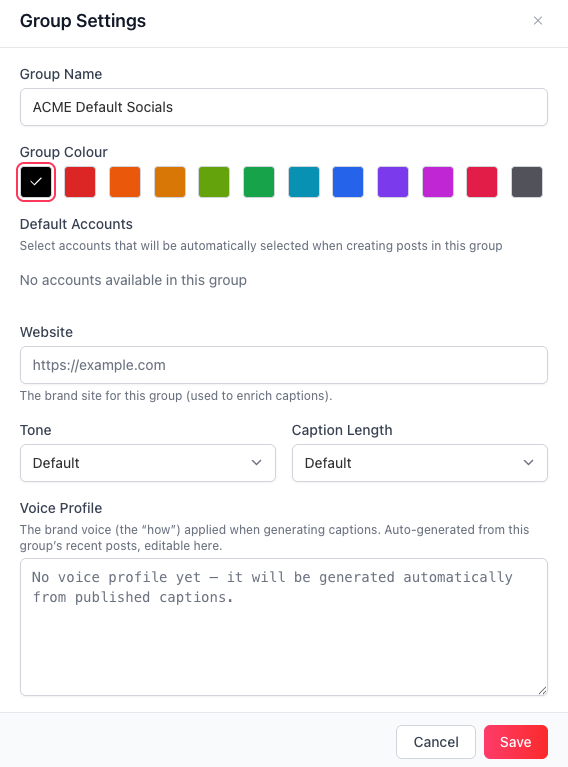
Group Name & Group Colour — name and a colour to tell groups apart.
Default Accounts — tick the accounts that are automatically selected when you create a post in this group.
Website — the brand's site for this group, used to enrich captions.
Tone & Caption Length — how captions read, and how long they are.
Voice Profile — the brand voice applied when generating captions. Jam auto-generates it from the group's recent posts, and you can edit it here.
Click Save when you're done.
Tip — Setting Default Accounts per group means the right channels are always pre-selected when you compose.