
Share a single photo or video with a direct link — no Jam account needed to view it.
Open the item's detail view (or select it in the grid).
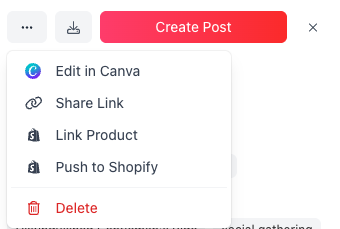
Open the More (…) menu and choose Share Link.
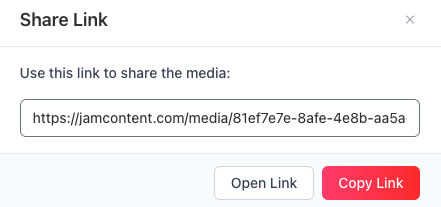
Copy the link and send it on.
How can we help?
Search the knowledge base or browse by category.
Updated June 26, 2026
Share a single photo or video with a direct link — no Jam account needed to view it.
Open the item's detail view (or select it in the grid).
Open the More (…) menu and choose Share Link.
Copy the link and send it on.