
Link Shopify products to your photos and videos so the right product is always attached to the right content.
Select one or more media items (or open an item's detail view) and choose Link Product from the More (⋮) menu.
In the Link Product window, search your Shopify products and select the ones to assign.
Click Link Products — they're now attached to the selected media, ready for shoppable posts and pages.
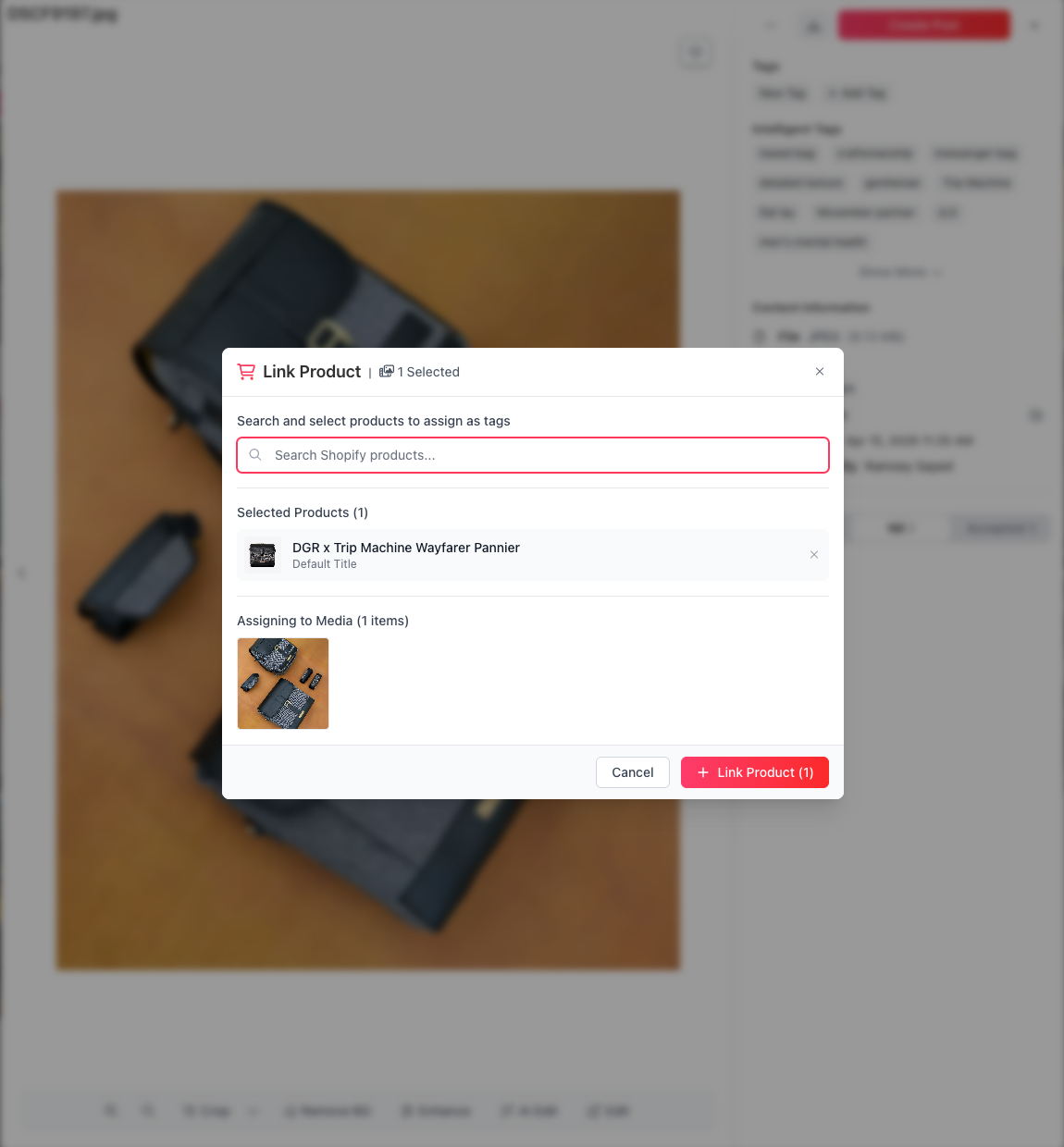
Tip — You can link products to several media items at once — the window shows how many you're assigning to.