
Bring your team into Jam and give each person the right level of access with roles.
Before you start
You'll need an admin role to invite people and manage roles.
Invite someone
Go to Settings → Users and Permissions.
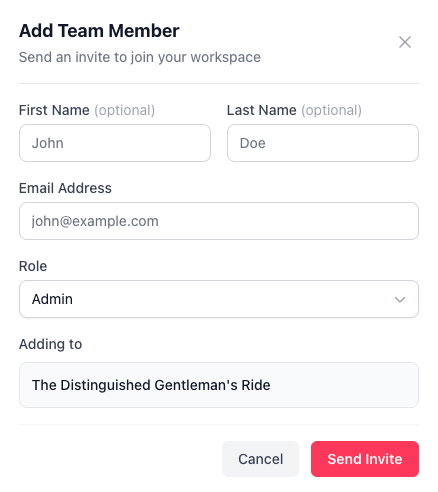
Click Add User and enter their email address.
Choose a role for what they can see and do.
Click Send invite — they'll get an email to join your workspace.
If the email isn't getting through, find their pending invite in the list and click Copy link to copy the invite link and send it to them yourself.
About roles
Roles control who can publish, who can only draft, and who can manage settings and billing. You can change someone's role at any time from the same page. See User roles & permissions for the full breakdown.