Social Groups bundle related accounts together — for example, all the accounts for one brand or client — so you can post to several at once and keep each brand's settings separate.
Create a group
Go to Socials → Manage → Accounts.
Click + New Group.
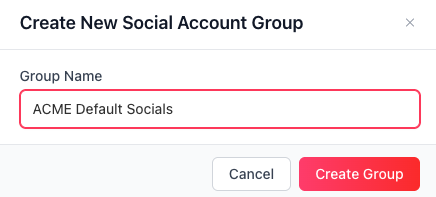
In Create New Social Account Group, enter a Group Name.
Click Create Group.
Then open the group's settings to choose its colour, default accounts and brand voice. See Group settings.