
Whenever you build a post, a form or a collection, the media picker lets you browse and choose from your whole library without leaving what you're doing.
Choosing media
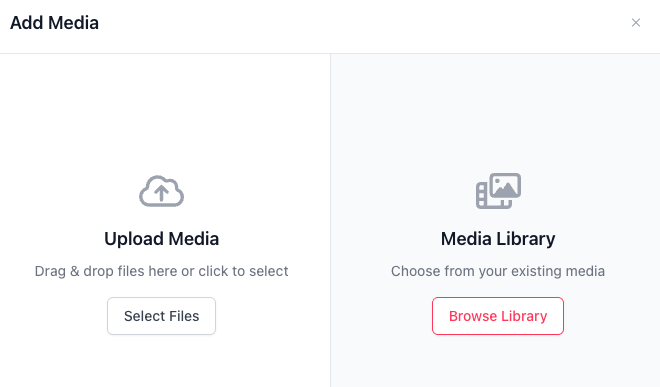
Click Browse Library (or the media field) wherever you're adding content.
Use search and filters to narrow down — by tag, type or collection.
Select one or more items.
Click Add to drop them into your post, form or collection.
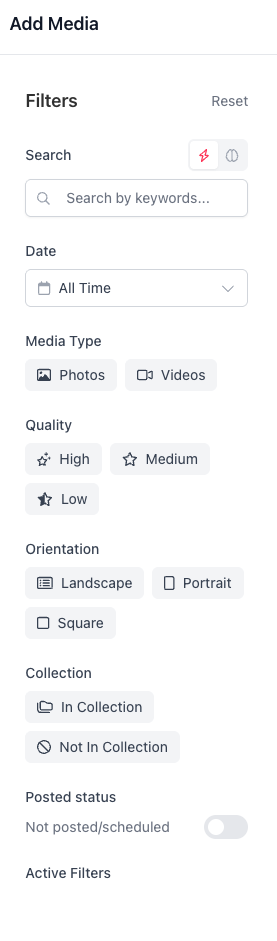
Tip — You can switch search modes inside the picker too — see Search your media.