
There are several ways to get photos and videos into your Jam library — pick whichever suits where your content lives.
Your options
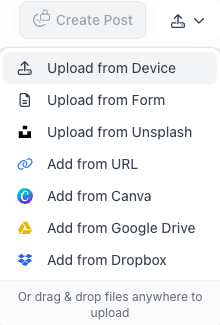
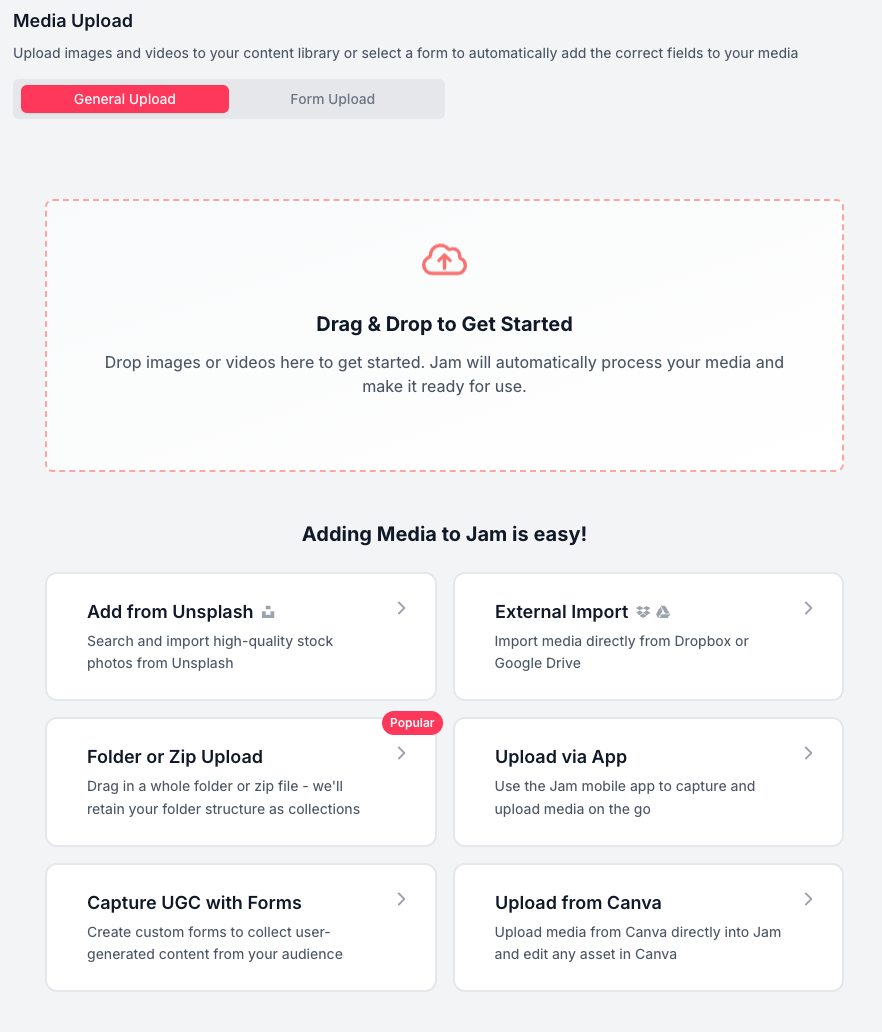
Drag & drop — drop files, folders or a zip straight into the library. See Drag & Drop Zip & Folders.
Google Drive — import from a connected Drive. See Add media from Google Drive.
Dropbox — import from a connected Dropbox, or paste a Dropbox link. See Migrate large content libraries.
SharePoint and OneDrive - connect Microsoft 365 and import libraries and folders. See Add media from SharePoint and OneDrive.
Unsplash — search free stock photography. See Upload from Unsplash.
Canva — import designs from a connected Canva account. See Add media from Canva.
Iconik — pull assets from your Iconik media library. See Migrate large content libraries.
From a web page — scan a page and pick which media to import. See Import media from a URL.
UGC forms — content submitted by creators lands in your library automatically.
Jam for Mac - drop files and folders into your library from Finder. See Jam Desktop Sync for Mac (Beta).
Mobile apps - capture and upload from your phone. See The Jam mobile apps.
Tip — However it arrives, every file is auto-tagged so it's searchable straight away.